


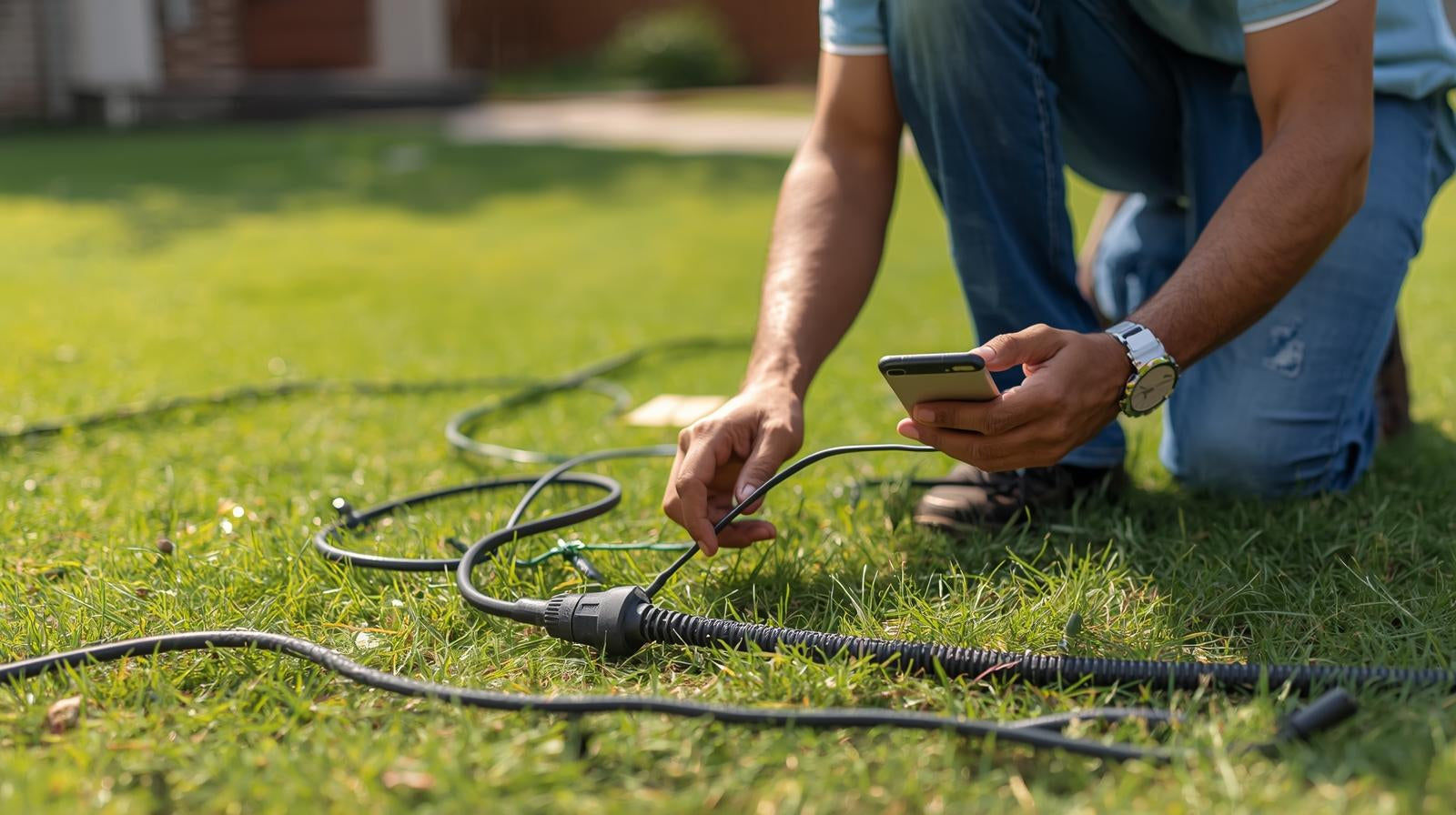
A broken boundary wire is one of the most common problems with robotic lawnmowers. Suddenly, the device stops in the middle of the lawn, or the message "Cable missing!" appears. Previously, you had to painstakingly search for the fault using a radio or measuring device – today, it's easy with your smartphone and a suitable app. In our blog, we show you step by step how to find a broken boundary wire on your robotic lawnmower using your smartphone and present long-term, wireless alternatives.
Contents
Why is the boundary wire so important for robotic lawnmowers?
It's the invisible guidance system of your robotic lawnmower. It marks the working area and sends a signal back to the charging station. If this cable is broken, the robot can no longer detect the signal and stops.
Typical causes of a cable break are:
- Damage caused by gardening work (spade, scarifier)
- Damage from animals (e.g., mice)
- Frost, corrosion, or ground movement
- Faulty connection terminals
The most traditional method for detecting cable faults is using a cable fault locator or an FM radio. However, both methods involve additional costs and require extensive preparation. Fortunately, nowadays, robotic lawnmower cable breaks can be quickly located using mobile apps. Below, we describe how you can effectively use such apps to locate cable breaks.
How can you find a broken lawnmower cable using your mobile phone?
Depending on the phone model, various apps are available for detecting cable breaks. Users can choose the method that best suits their needs.
Finding a broken lawnmower cable using an Android phone
Android users have two practical ways to detect a broken wire in the boundary wire of their robotic lawnmower:
Method 1. Using a metal detector app (magnetic field sensor)
This method is suitable for Android smartphones with an integrated magnetic field sensor. Using free metal detector apps, the magnetic field can be measured along the boundary wire.
Preparation:
- Download a metal detector app, e.g., Metal Detector.
- Activate the sound on the mobile phone
Simple step-by-step instructions:
- Step 1: Launch the application on your phone and move it. You will see fluctuating magnetic field strengths on the screen. Colored lines represent three-dimensional space, while the top number indicates the value of the electromagnetic field (EMF).
- Step 2: Walk along the boundary wire of your garden, keeping your phone close to the ground. If metal is nearby, the graphic will intensify, the device will vibrate, and a sound will appear. If the app doesn't make a sound, you've found a break in the wire.

Assessment: This method is easy to use and requires minimal preparation. However, you will need a smartphone with a properly functioning magnetometer. Furthermore, sufficient patience is required to carefully search for areas where the magnetic signal is relatively weak. Please note that free metal detection apps are not always reliable, and your efforts may ultimately be unsuccessful.
Method 2. Using a radio app or a portable FM radio
Another, often surprisingly effective method utilizes the electromagnetic signal of the boundary wire: When the wire is active, it emits a weak high-frequency signal. An FM radio may produce a hum under the influence of this electromagnetic signal. If the noise stops, you may have identified the problem.
Preparation:
- Android smartphones: Preferably equipped with an FM chip, such as older Samsung models.
- App: Radio FM, a free app.
- Headphones: Wired headphones act as an antenna, while Bluetooth headphones do not.
Here's how to proceed:
- Step 1: Download and launch the FM radio app. Set the radio app to 600–700 kHz – this is often where the cable signal is available.
- Step 2: Next, open the robotic lawnmower's charging station to activate the signal. Take your smartphone, put on your headphones, and slowly walk along the boundary wire. Hold your smartphone approximately 10 to 20 cm above the ground.
- Step 3: If the signal is good, you might hear a faint crackling or hissing sound on the radio. If the hissing or whistling suddenly disappears, it means you are very close to the point of failure.

Assessment: This method is particularly effective when the boundary wire is easily accessible and not buried too deep. It is simple and reliable, utilizing the FM receiver found in many Android devices. However, its capabilities are limited and its accuracy only moderate with iPhones or devices lacking FM functionality.
Detect a broken robotic lawnmower cable with an iPhone
Since iPhones don't have a magnetic field sensor in the same form as many Android devices, using a radio signal isn't possible. Instead, iPhone users can use a metal detector app like Smart Metal Detector, which works via the built-in compass or gyroscope. These apps display changes in field strength on the screen. While the accuracy is lower than with Android devices, it's often possible to at least pinpoint the affected area.
Bonus tip: Robotic lawnmowers without boundary wires as a permanent solution
The frequent occurrence of cable breaks is truly frustrating, as a single damaged boundary wire can bring the entire mowing process to a standstill. Tracing and repairing the break is time-consuming and stressful. Even after repair, there's always the risk of another break. This is precisely where modern, wireless robotic lawnmowers come in. They operate without boundary wires and navigate using GPS, RTK, or camera systems. This provides a future-proof solution for anyone who wants to keep their garden permanently low-maintenance. Well-known brands like Segway Navimow, Husqvarna, and ECOVACS, which have produced particularly outstanding products or series, are among them. Below, we present three excellent robotic lawnmowers without boundary wires that you should consider.
Segway Navimow i-Serie
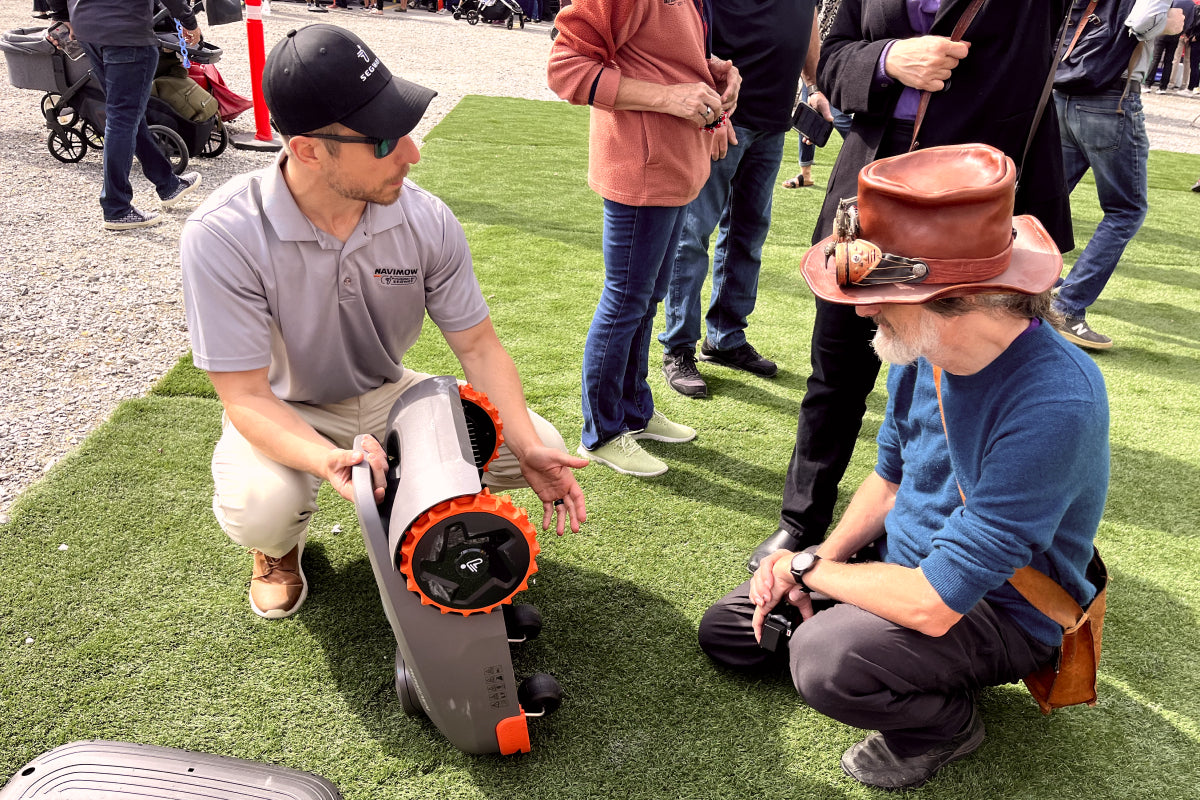
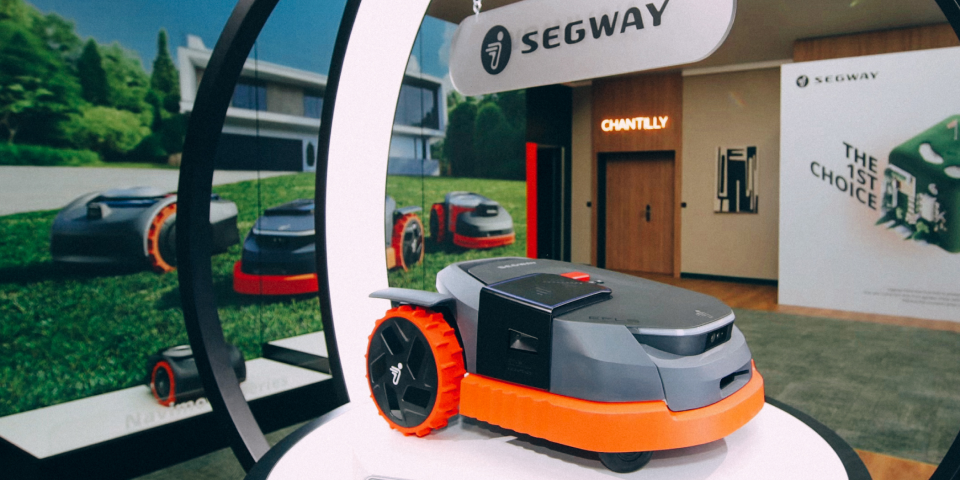
The Segway Navimow i-series is currently among the most popular wireless robotic lawnmowers in Germany. Both the i105 and i108 models operate entirely without boundary wires and utilize the precise EFLS 2.0 (Exact Fusion Locating System) for navigation. Setup is conveniently done via the Segway Navimow app, which allows users to virtually create, adjust, and lock mowing zones without the need to lay a physical cable in the garden.
- Segway Navimow i105: Ideal for lawns up to 500 m².
- Segway Navimow i108: Suitable for larger areas up to 800 m².

Both models operate quietly, energy-efficiently, and safely. Thanks to the optional VisionFence camera, they automatically detect obstacles and edges. However, the Segway Navimow i105 is particularly recommended: it offers the best overall package for medium-sized gardens. It is compact, easy to install, and boasts excellent value for money. Combined with precise RTK positioning and intuitive app control, it enables top-level wireless mowing, completely eliminating the hassle of traditional boundary wires.
Advantages of the Segway Navimow i-Series:
- No boundary wire required, easy setup via app
- Precise navigation via EFLS 2.0 and optional VisionFence camera
- Quiet operation (~54 dB)
- Modern app features including map view and remote control
Who is it suitable for:
- For anyone who wants to permanently say goodbye to tedious cable management and rely on intelligent, reliable technology.
- The i105 is an excellent choice for medium-sized gardens ranging from 300 to 600 m².
Conclusion
A broken lawnmower cable is annoying, but not a disaster. Thanks to modern apps, the problem can now be easily located with a smartphone – without any complicated measuring equipment. However, anyone who wants to avoid problems altogether should take the step into the future: Wireless robotic lawnmowers like the Segway Navimow i105 save time, effort, and stress, ensuring a perfectly manicured lawn without limits.
FAQs
How can you recognize a broken cable on a robotic lawnmower?
A typical sign is that the robotic lawnmower suddenly stops or displays the message "No loop signal" or "No boundary signal". Often the charging station remains functional, but the robot can no longer find its boundary.
How can cable breaks be avoided in the future?
However, the risk can be significantly reduced with a few simple measures:
- Do not lay the boundary wire too shallowly (at least 3-5 cm deep).
- Avoid transitions, edges and tree roots.
- Check cable connections regularly.
- In cases of frequent breakage, switching to wireless models, such as the Segway Navimow i-series, may be advisable.

Megosztás: