


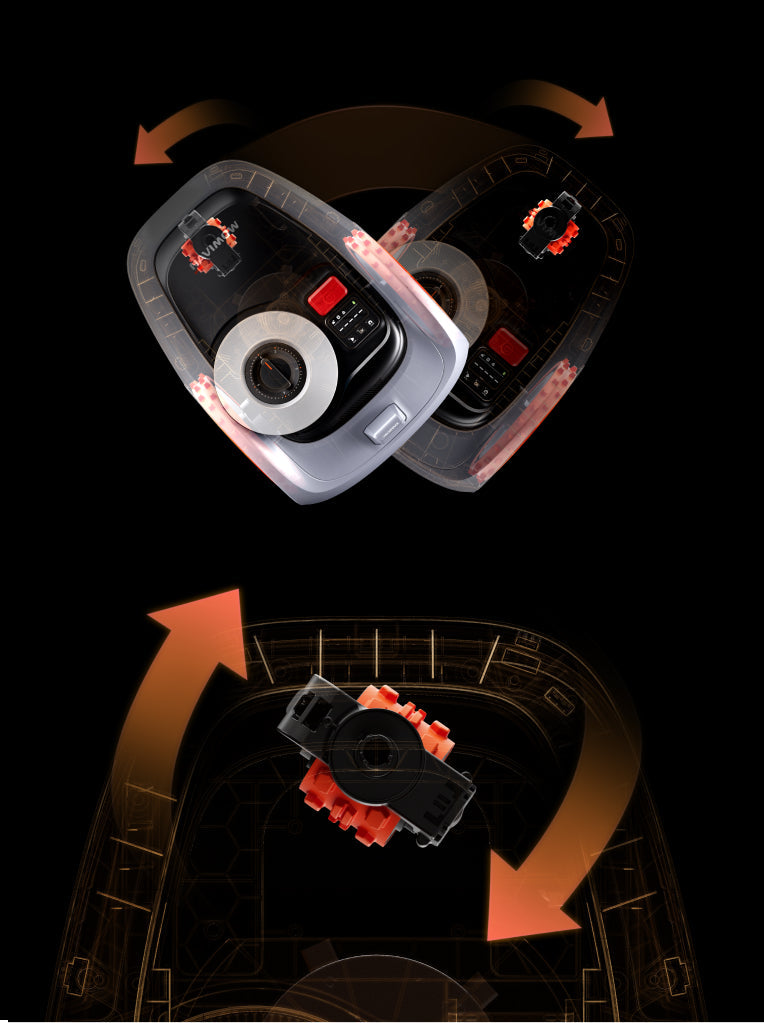


The X3 Series redefines what a mower can be, featuring an open API and an Expansion Bay that transform it into a versatile, customizable platform. Developers can access comprehensive API documentation and explore module ideas to spark inspiration—unlocking endless possibilities for innovation.
With open API access, creating and customizing cutting-edge accessories for the Expansion Bay has never been easier. The X3 Series isn’t just a lawn care tool—it’s a gateway to innovation.
Antenna Mounting Kit is an optional accessory for antenna installation on a wall or roof, improving satellite signal.
If you cannot find a suitable location for installing the antenna after following the installation guide, you can consider using the Antenna Mounting Kit to install the antenna on the roof or a higher place.
If your mower experiences issues such as flashing yellow lights, which indicates that the GPS Signal is weak. This can happen in large front yards, backyards, or open spaces even there are no obstructions, making it more challenging for the signal to reach effectively.
For example, if your front yard or backyard is particularly large and the GPS signal struggles to stay connected, using a Signal Enhancement Antenna can help improve the GPS Signal and reliability, ensuring a smooth mowing experience.
The Signal Enhancement Antenna is sold separately and can be easily added to improve the signal coverage in areas that need extra support. If you’re noticing frequent flashing yellow lights, this could be a sign that the antenna will help enhance your mowing performance.
The cutting height can be adjusted in the app: Settings>MOWER>Mowing>Global Cutting height, the adjustment range is 20-70mm(for European Users) and 2-4 inches(For North-America Users).
If you can't adjust the cutting height, please contact support-navimow@rlm.segway.com for help.
Navimow can work 24/7 according to your customized schedule. You can set different schedules for different zones.
Different models have different maximum working areas. The H500E can mow up to 500㎡, H800E up to 800㎡, H1500E up to 1500㎡, and H3000E up to 3000㎡.
Navimow has IPX6 waterproof rating and can work in light rain. However, for better lawn care results, it will automatically return to the charging station when detecting heavy rain.
The Navimow X3 features an IP66 waterproof rating, allowing for easy cleaning with a cloth or garden hose. Please do not use a pressure or power washer.
Before cleaning, make sure the Navimow X3 is powered off.
When cleaning the Navimow X3, ensure the extension bay cover is securely installed, and the Navimow Trimmer is removed to prevent water from entering the Navimow X3.
DO NOT clean with alcohol, gasoline, acetone, or other corrosive/volatile solvents. These substances may damage the appearance and internal structure of your Navimow X3.
You can go to App Settings> MOWER> Maintenance & Tools> Part Maintenance to check for maintenance and replacement suggestions for the blades and other parts.Typically the blades should be replaced after 80 hours of use.
If your Navimow X3 cannot connect to 4G, please follow the steps below:1.Try to restart the Navimow X3 to see if it solves the problem.2. Please switch the network to WiFi in Navimow App, and then switch to 4G to see if the 4G connection is restored after 1-2 minutes.If this step does not solve the problem, please contact our customer service team (support-navimow@rlm.segway.com) for support.
Error code 6103 indicates a position acquisition error.
Please push the Navimow X3 into the charging station, then press the STOP button on the Navimow X3 and resume the task.
If the error persists, try restarting the Navimow X3.
If the issue still persists, please send us an email at support-navimow@rlm.segway.com or contact us in the App via Livechat for further help.
Error code 6105 indicates a out of boundary error.
Please place the Navimow X3 on an open and flat surface within the boundary or push the Navimow X3 into the charging station. Press the STOP button on the Navimow X3 to clear the error code. When the Navimow X3's ambient light turns blue, resume the task.
If the issue still persists, please send us an email at support-navimow@rlm.segway.com or contact us in the App via Livechat for further help.


